Employer Registration API integration guide
Integrate the Employer Registration API.
By using this API and its documentation and building an integration, you agree to the Additional API Terms and Guidelines.
Integration workflow
To integrate the Employer Registration API:
| # | Step |
|---|---|
| 1. | Sign a Developer Agreement with Indeed. |
| 2. | Ask Indeed to register your app as part of the setup process. After Indeed has registered your app, you can use Partner Console to access your OAuth credentials: a client ID and secret. See Partner Console Credentials. |
| 3. | |
| 4. |
Develop and test your integration
-
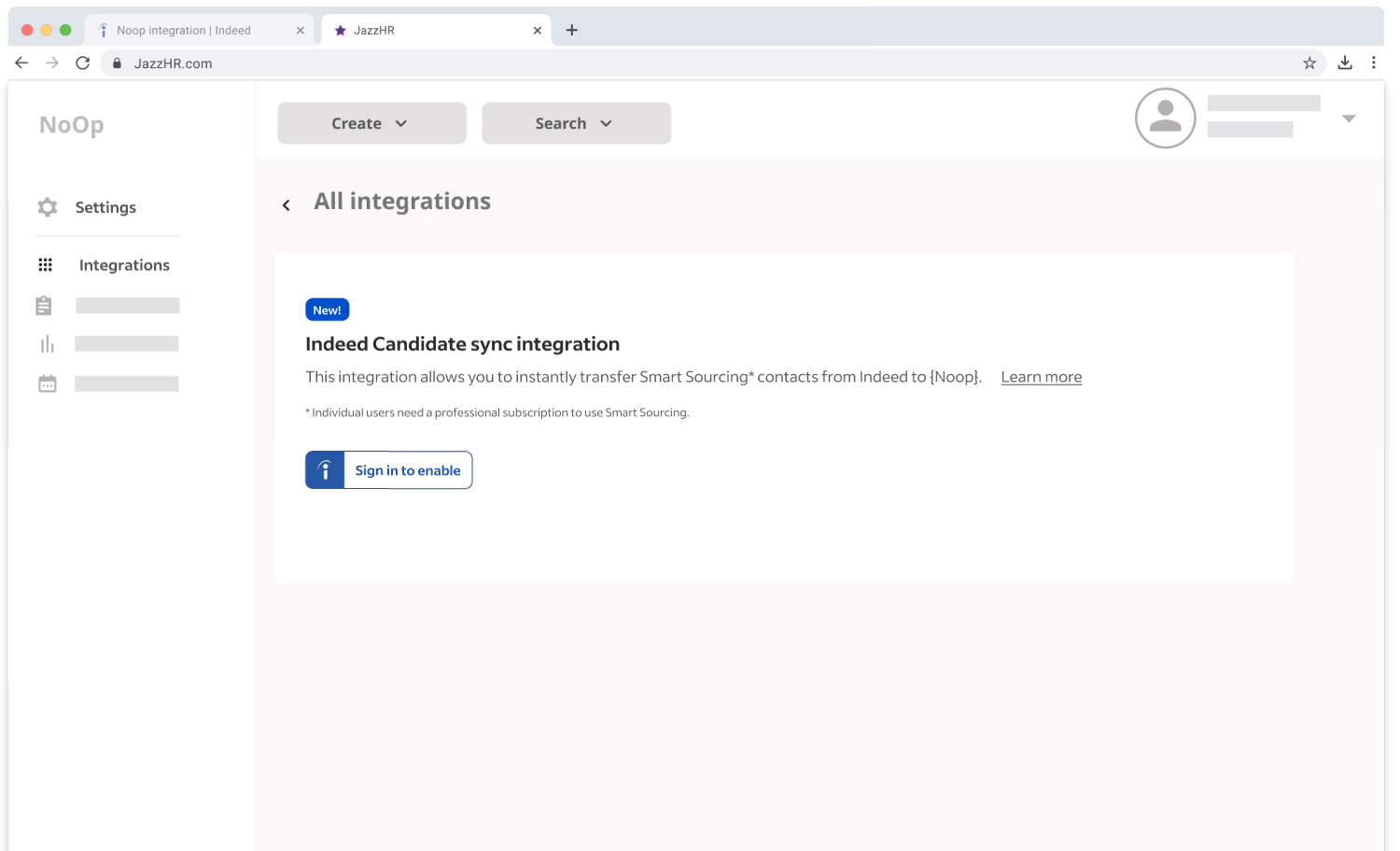
Build an ATS UI for employers to register with Indeed, manage registrations, and deregister. The UI must support multiple registrations because an employer can register with multiple Indeed accounts.
-
Verify that:
- No common GraphQL errors occur during registration.
- Deregistration works.
Register ATS mockup
Get approval for your integration
After your application meets these requirements, submit documentation with screenshots that covers:
- Indeed branding and placement in the employer's integration menu
- An employer registering with an Indeed account
- An employer deregistering
Indeed sends an email notification after approving your integration.